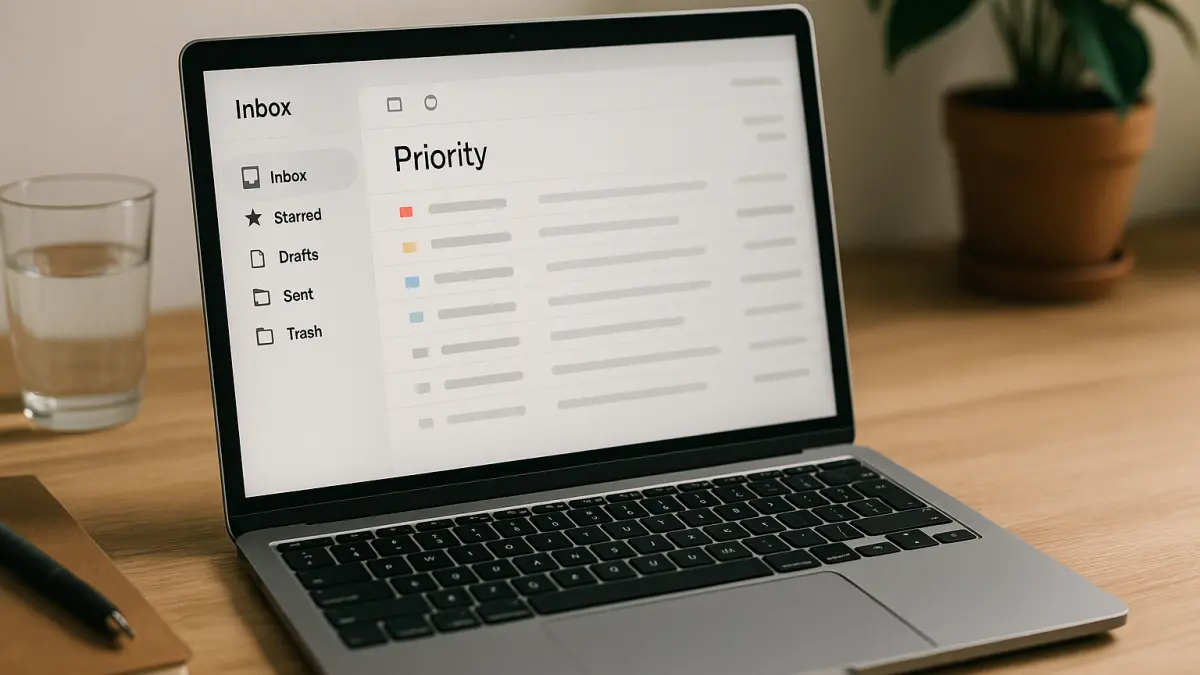

Managing a busy email inbox can be overwhelming, especially for professionals juggling multiple projects. An AI-powered daily email inbox triage system helps by automatically prioritizing and categorizing your emails, so you focus on what matters most.
This system works by generating AI-based rules that sort incoming messages into folders like “Priority,” “Today,” and other custom categories. It also provides brief summaries of the most important emails, allowing you to quickly grasp key information without opening every message.
Using this approach reduces inbox overload and improves response times, making your daily email management more efficient. It’s especially useful when you receive high volumes of emails or when urgent messages can easily get lost.
To customize the system, consider defining your own priority criteria based on sender, keywords, or project tags. This personalization ensures the AI aligns with your workflow and communication style.
Since the prompt asks follow-up questions, it adapts to your specific needs, making it a flexible tool for intermediate users who want smarter inbox control without complex setups.
ROLE: You are an AI assistant.
OBJECTIVE: Help users prioritize and categorize their daily incoming emails.
CONTEXT: Users receive many emails and want to reduce inbox overload and improve response times.
REQUIREMENTS:
- Generate AI-based rules to sort emails into priority folders.
- Summarize key points of top-priority emails.
- Ask up to 3 concise follow-up questions one at a time to tailor the system.
OUTPUT FORMAT:
- Provide a clear list of categorization rules.
- Deliver brief daily summaries of prioritized emails.
- Suggest improvements for ongoing inbox management.
QUALITY CHECK:
- Ensure rules are actionable and easy to implement.
- Summaries must be concise and relevant.