
Smartphone users often face the choice of enabling or disabling automatic software updates. But does turning on auto-updates actually make a difference in protecting your device from new security threats? Understanding the role of these updates can help you decide whether the convenience outweighs any concerns.
Claim: Auto-updates for software on smartphones are essential to protect against new security threats.
Quick answer: Enabling auto-updates on smartphones helps maintain security by quickly addressing new threats and reducing exposure to vulnerabilities.
How Auto-Updates Address Emerging Security Risks
Software updates frequently include patches for vulnerabilities that have been discovered since the last version was released. Cybercriminals continuously develop new methods to exploit security flaws in operating systems and apps. When updates are installed promptly, they close these security gaps before attackers can take advantage of them.
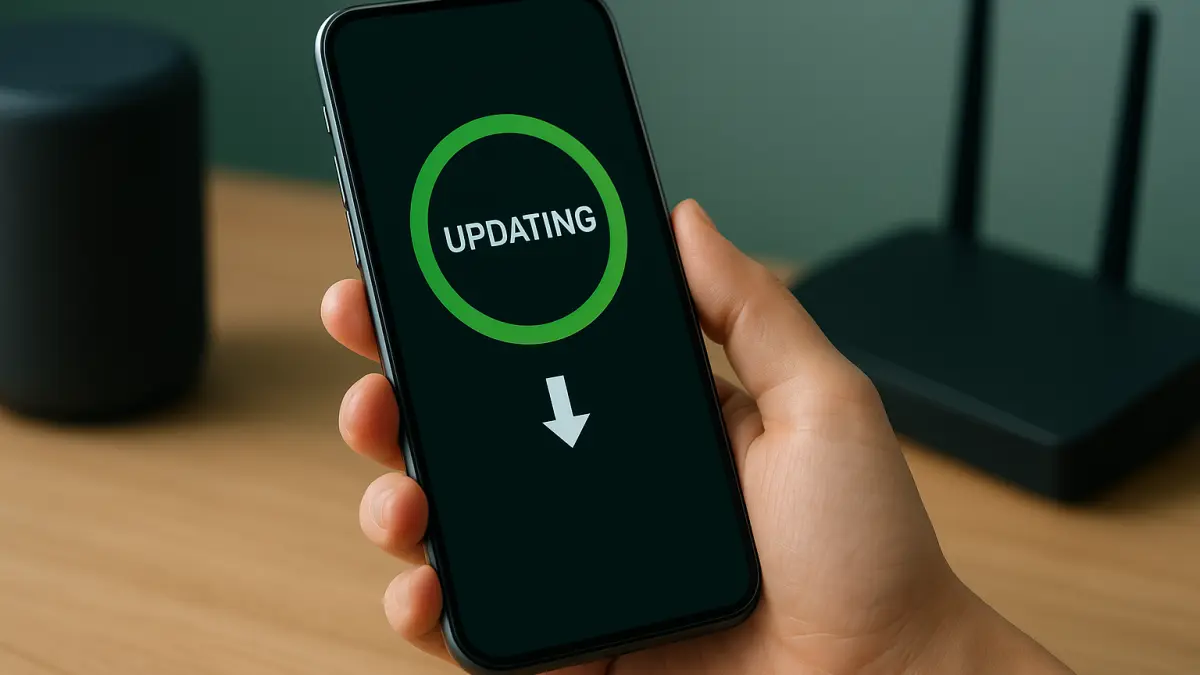
Automatic updates remove the need for users to manually check for and install patches, ensuring that devices receive critical fixes as soon as they become available. This reduces the window of opportunity for hackers to exploit known vulnerabilities.
The Risks of Delaying Updates
Many users postpone installing updates due to concerns about data usage, potential bugs in new versions, or simply inconvenience. However, this delay can expose devices to preventable attacks, including malware infections, unauthorized access, and data theft.
Security breaches often exploit outdated software components. The longer a device runs without the latest security patches, the more vulnerable it becomes. This risk is especially significant for smartphones, which are frequently targeted due to their widespread use and the sensitive personal data they contain.
Practical Takeaways for Users
Enabling auto-updates is a straightforward way to keep your smartphone secure without extra effort. While occasional issues with updates can occur, the benefits generally outweigh the risks. Users can also set updates to occur over Wi-Fi to avoid data charges.
Regularly updating software ensures that your device has the latest protections against emerging threats. This practice helps maintain overall device health and reduces the likelihood of security incidents that can compromise your personal information.
In summary, automatic software updates play a vital role in maintaining smartphone security by promptly addressing new vulnerabilities and reducing exposure to cyber threats.