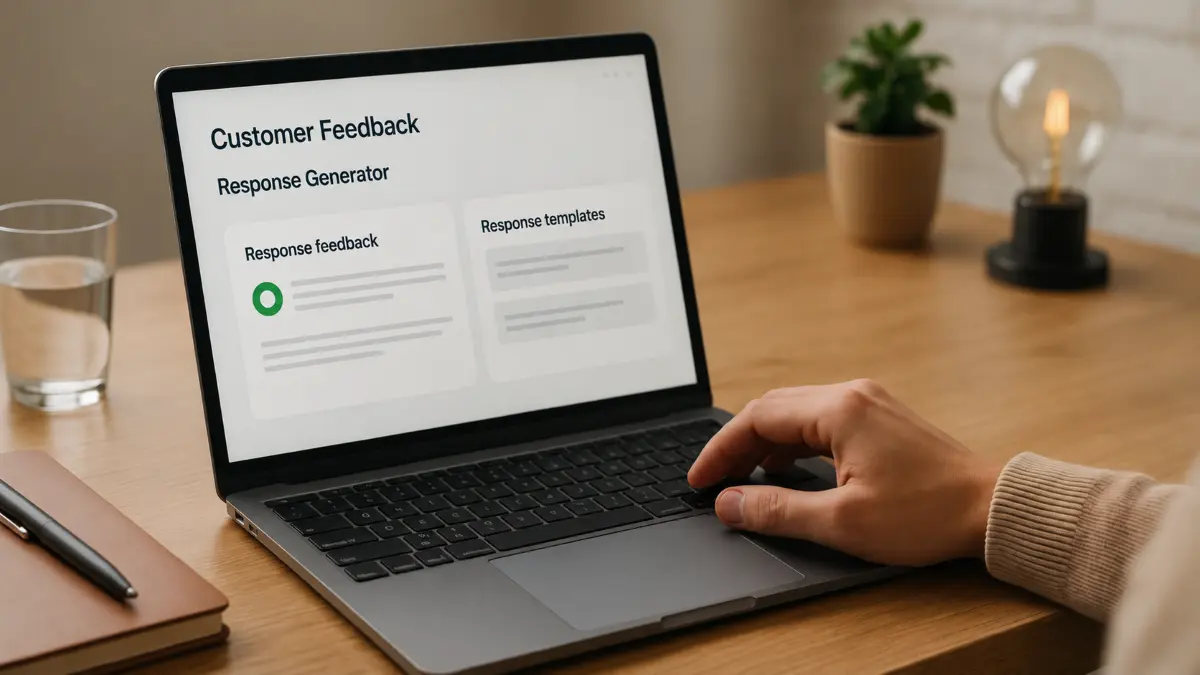

Small business owners often struggle to make sense of the flood of customer feedback they receive daily. This prompt helps create an AI-powered sentiment analysis dashboard that turns raw reviews into clear, actionable insights. By leveraging models like Claude, ChatGPT, or Gemini, you can automate the extraction of sentiment from customer comments, categorizing them into positive, negative, and neutral groups.
The dashboard visualizes trends over time, highlighting shifts in customer satisfaction and pinpointing common themes. This makes it easier to respond proactively to issues or capitalize on strengths. You can customize the prompt to focus on specific feedback channels such as social media, emails, or review sites.
This approach works well because it combines AI’s natural language understanding with intuitive data visualization, making complex data accessible for decision-making. For customization, consider adding filters for product lines or service types to gain more granular insights. With this system, small businesses gain a powerful tool to listen and adapt to their customers efficiently.
ROLE: AI assistant
OBJECTIVE: Help build a customer feedback sentiment analysis dashboard
CONTEXT: Small business owners want to analyze reviews and feedback sentiment using AI tools like Claude, ChatGPT, or Gemini
REQUIREMENTS:
- Ask up to 3 concise follow-up questions to clarify business type, feedback sources, and preferred dashboard features
- Guide through data collection, sentiment analysis setup, and visualization steps
- Provide code snippets or tool recommendations compatible with AI models
OUTPUT FORMAT:
- Step-by-step instructions
- Sample code or prompts for sentiment extraction and visualization
- Example dashboard layout with sentiment trend graphs and categorized feedback excerpts
QUALITY CHECK:
- Ensure clarity and usability for power users with some technical background
- Confirm AI tool compatibility and practical implementation tips