
Apple’s new dedicated Siri app changes the assistant from something users summon for a quick command into a place where longer AI conversations can live, be revisited, and continue across devices.
The app arrives with Siri AI in iOS 27 and is designed to complement, not replace, traditional Siri access. Users can still say “Hey Siri,” press the side button, or invoke Siri from other parts of the system. The difference is that the new app gives those interactions a persistent home.
Conversations No Longer Disappear
One of the biggest changes is conversation history.
The Siri app stores previous conversations so users can return to them later instead of starting over each time. Conversations are organized by recency, can be searched, and can also be pinned so frequently used threads remain at the top of the app.
That makes Siri more useful for tasks that unfold over time. A user planning a trip, researching a purchase, preparing a project, or working through a technical problem can reopen the same conversation and continue from where it ended.
This is a major departure from the older Siri model, where interactions were typically short-lived and built around one request at a time.
Start on iPhone, Continue on Mac
Apple is also using iCloud to privately sync Siri conversation history across supported devices.
A conversation started on an iPhone can be continued on an iPad, Mac, Apple Watch, or Apple Vision Pro while signed in to the same Apple Account. That means a user could begin researching something while commuting, continue the discussion at a Mac later, and then revisit the same thread from an Apple Watch.
The Siri app essentially becomes the central archive for those conversations rather than tying them to one particular device.
Siri AI Supports Real Follow-Up Questions
The app is most useful because Siri AI itself has become more conversational.
Users can extend almost any response with follow-up questions instead of repeating the original context. Siri can maintain the subject of the conversation, allowing more natural exchanges that resemble modern AI chat assistants.
For example, a user could ask Siri to help plan a three-day trip, then follow up by asking for cheaper hotel areas, restaurants near a specific attraction, or a revised itinerary without restating the entire request.
Apple says Siri AI also combines broad world knowledge with personal context and onscreen awareness, so conversations can move between general information and content already available on the user’s devices.
Personal Context Makes Siri More Useful
The new Siri is designed to understand information stored across Apple apps.
That means users can ask about things buried inside Mail, Messages, Photos, Notes, and other supported sources without necessarily knowing where the information is stored.
A user could ask Siri to find a confirmation number from an old email, locate a particular photo, or surface information mentioned in a message. Siri can then use that information as part of an ongoing conversation or take an action based on it.
This makes the dedicated app more than a chatbot history screen. It becomes a place where conversations can incorporate both general knowledge and personal information already inside the Apple ecosystem.
Siri Can Take Actions Inside Apps
Siri AI also expands systemwide app actions.
Apple says Siri can perform tasks such as drafting an email, editing and sharing photos, creating notes, or working with third-party apps that support the relevant App Intents.
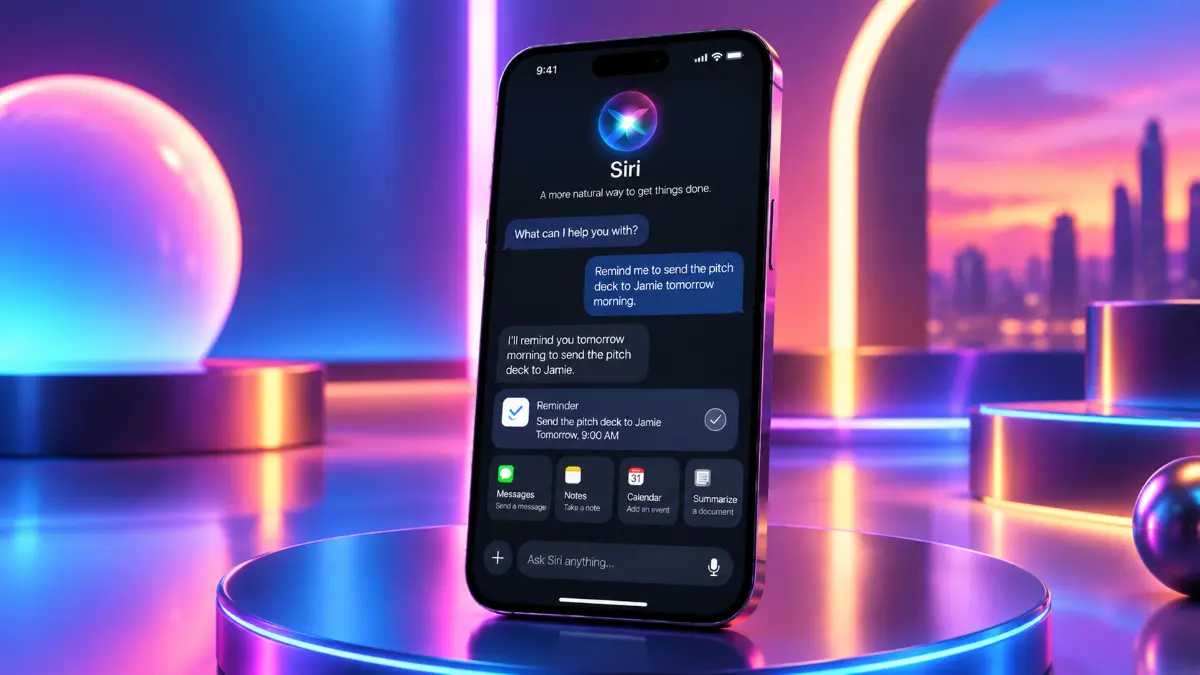
That creates a different kind of workflow from a typical AI chatbot. Instead of only answering a question, Siri can potentially move directly from conversation to action.
Apple has highlighted examples including starting a Focus timer, launching a document-signing app directly into scan mode, or creating content inside supported productivity apps.
For developers, this makes Siri integration more valuable because apps can become destinations for actions that begin inside a Siri conversation.
Write With Siri Adds Another Layer
The new Siri experience also includes Write with Siri.
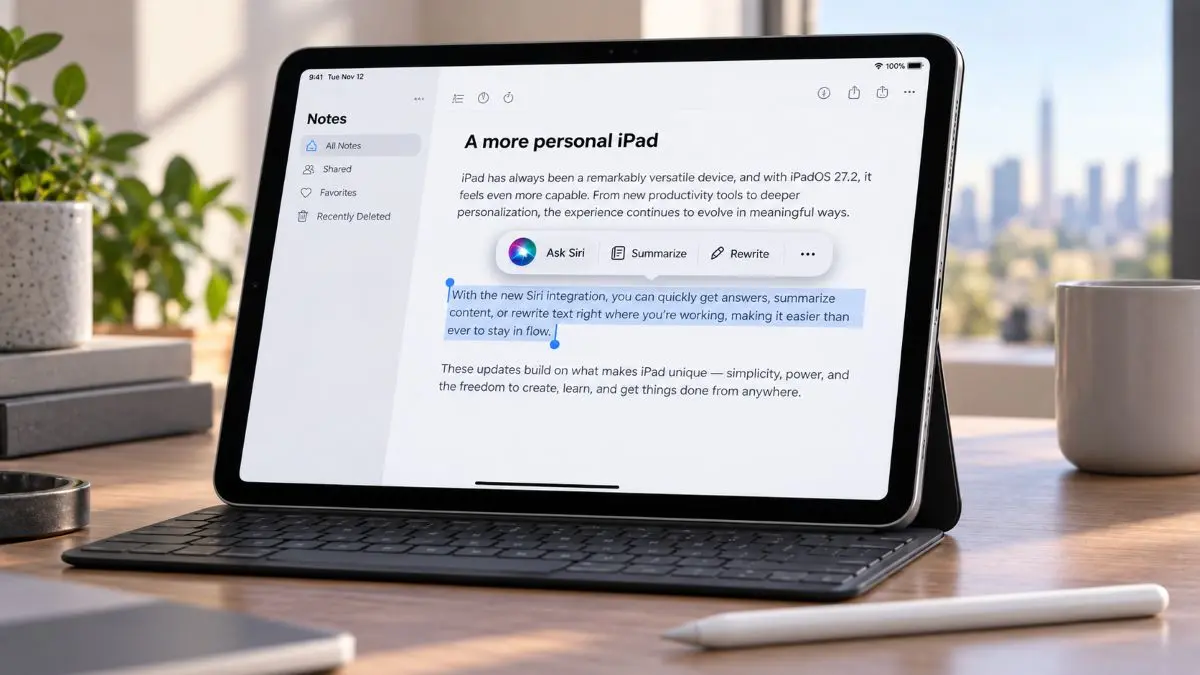
Users can ask Siri to generate a first draft, refine existing text, summarize content, or adjust tone and style. Because these writing tools are available throughout the system, the Siri app can function as both a conversational assistant and a writing workspace.
That could be useful for drafting emails, preparing notes, rewriting messages, or developing longer ideas over multiple sessions.
The Siri App Is Not the Only Way to Use Siri
The dedicated app does not replace familiar Siri interactions.
On iPhone, users can still say “Hey Siri,” press the side button, or swipe down from the Dynamic Island to start a conversation. Siri is also integrated into Spotlight on iPad and Mac, as well as systemwide context menus that let users ask questions about selected text, files, or images.
The new app is mainly for situations where persistence matters.
A quick request such as setting a timer or checking the weather still makes sense through voice. A longer discussion, research task, writing project, or conversation users want to revisit is better suited to the dedicated Siri app.
Users Can Control How Long Conversations Are Kept
Apple also gives users more control over Siri history.
In Siri settings, users can choose how the app opens, switch between recent conversations and a new conversation, change between grid and list views, and determine how long conversations are retained. Apple says older conversations can be automatically deleted after selected retention periods.
That gives the app a more deliberate history model than traditional Siri interactions.
Siri Becomes a Persistent Assistant
The larger significance of the Siri app is continuity.
For years, Siri was primarily designed around individual commands such as sending a message, starting a timer, or asking a short question. Siri AI still handles those tasks, but the dedicated app adds something that was previously missing: memory within the conversation itself and a place users can return to later.
That moves Siri closer to the interaction model users now expect from modern AI assistants, while Apple adds its own advantage through deep integration with personal data, apps, and multiple devices.
The result is a Siri that no longer depends entirely on “Hey Siri.” Voice remains one entry point, but persistent conversations, cross-device continuity, personal context, and app actions are becoming equally important parts of the experience.