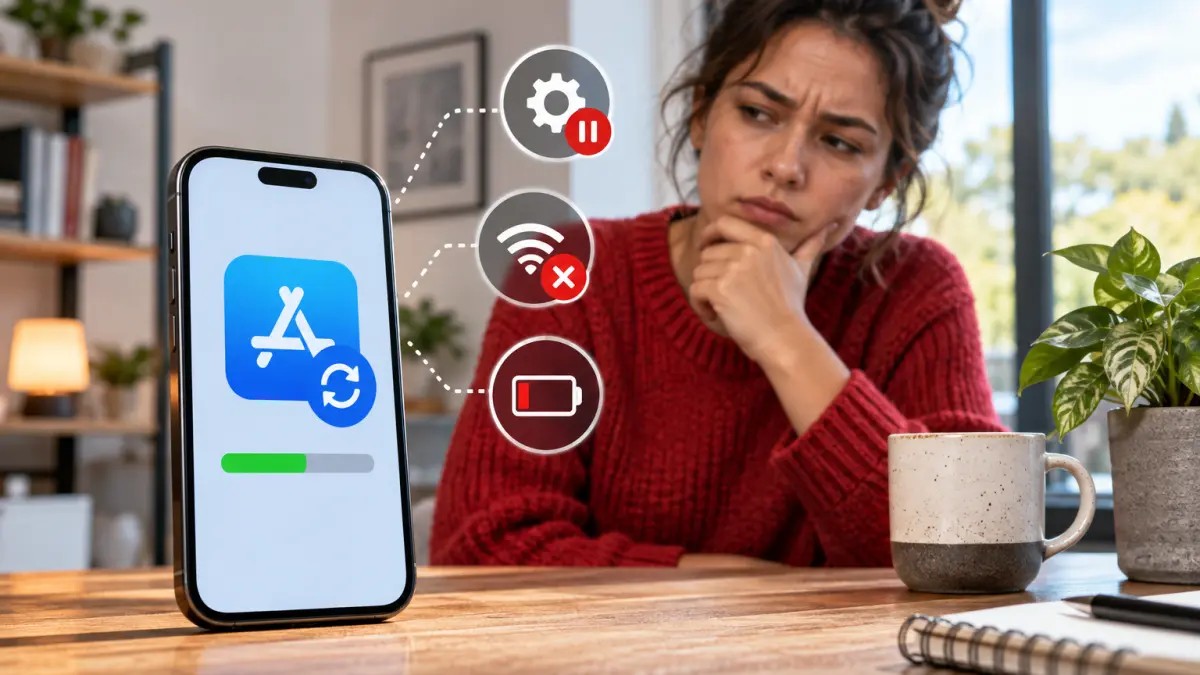

Automatic app updates are often seen as a convenient way to keep mobile applications current, ensuring users have access to the latest features and important security patches without manual intervention. But does this process always work as seamlessly as many assume? The reality behind automatic app updates can be more complex, influenced by several factors related to device settings and network conditions.
Claim: Automatic app store updates always install the newest features and security patches without any user input.
Quick answer: Automatic app updates can be delayed or partial depending on device settings and network conditions, making the claim a myth.
How Device Settings Affect Automatic Updates
Most smartphones and tablets allow users to enable automatic updates for apps through their respective app stores, such as Google Play Store on Android or the App Store on iOS. However, these settings can vary widely. For example, users may choose to restrict automatic updates to Wi-Fi connections only, preventing updates from occurring over mobile data. Additionally, some devices offer options to delay updates until the device is charging or during off-peak hours to conserve battery and data usage.
These user preferences mean that even when automatic updates are enabled, updates might not install immediately or at all if conditions are not met. If a device is offline, has limited connectivity, or is in a power-saving mode, scheduled updates can be postponed. Furthermore, some operating systems may prioritize critical security patches differently from feature updates, potentially applying them sooner or separately.
Network Conditions and Their Impact
Network stability and speed also play a significant role in how and when updates are delivered. Poor or intermittent internet connections can cause updates to fail or stall, requiring user intervention to retry. In some cases, app stores may limit background data usage, further delaying updates until the device is connected to a preferred network type.
Regional restrictions or server-side rollout strategies can also influence update availability. Developers often release updates in phases to monitor performance and avoid widespread issues. This staged approach means not all users receive the newest features or patches simultaneously, regardless of automatic update settings.
What Users Should Do to Stay Current and Secure
Given these variables, relying solely on automatic updates may not guarantee immediate installation of the latest app versions. Users should regularly check their device and app store update settings to ensure automatic updates are enabled under preferred conditions. Manually reviewing available updates can help catch any that were delayed or missed.
Additionally, maintaining a stable internet connection and sufficient battery life can facilitate smoother update processes. Being aware of staged rollouts can also set realistic expectations about when new features or fixes will appear.
In summary, while automatic app updates provide a helpful baseline for maintaining app security and functionality, they do not always install the newest features and patches immediately or without user input. Staying proactive remains important to ensure apps remain up to date and secure.