
Bluetooth audio latency is a common concern for users relying on wireless sound for interactive activities like gaming, video calls, and live streaming. But does latency truly vary depending on the Bluetooth codec and the device used? Understanding this can help users choose gear that minimizes audio delay and improves real-time communication.
Claim: Bluetooth audio latency varies with codec and device, affecting real-time applications like gaming or video calls.
Quick answer: Bluetooth audio latency varies based on codec and device implementation, affecting delay times in real-time applications.
How Bluetooth Codecs Influence Latency
Bluetooth audio transmission relies on various codecs that compress and decompress sound data. The most common codecs include SBC (Subband Codec), AAC (Advanced Audio Codec), aptX, aptX HD, and LDAC. Each codec differs in compression complexity and bit rate, which directly impacts latency.
SBC is the default codec in most Bluetooth devices but generally introduces higher latency due to its simpler compression algorithm. AAC, favored by Apple devices, offers better sound quality but can have variable latency depending on implementation. Qualcomm’s aptX and aptX Low Latency codecs are specifically designed to reduce delay, with aptX Low Latency targeting around 40 milliseconds of lag, suitable for gaming and video calls. Sony’s LDAC prioritizes quality over latency, often resulting in longer delay times.
Device Hardware and Bluetooth Implementation
Beyond codecs, the hardware and software implementation of Bluetooth stacks in both transmitting and receiving devices significantly affect latency. Different smartphones, headphones, and Bluetooth adapters handle audio processing with varying efficiency. Factors like Bluetooth version (e.g., 4.2, 5.0, 5.2), chipset quality, and driver optimization all contribute to the final delay experienced.
Devices with newer Bluetooth standards and dedicated low-latency codec support typically achieve lower audio delay. Conversely, older or budget hardware may lack these optimizations, leading to noticeable lag, especially in latency-sensitive applications.
Why Latency Matters for Real-Time Applications
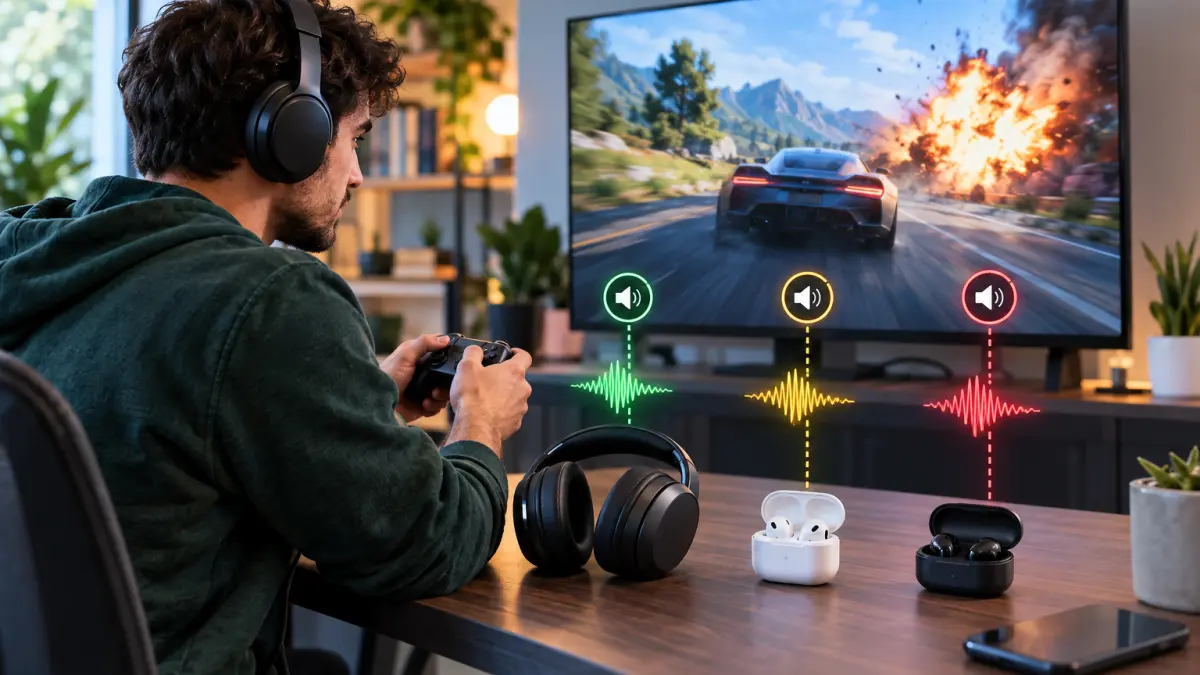
Audio latency becomes critical when sound must sync closely with visuals or user input. In gaming, high latency can cause audio cues to lag behind on-screen action, impacting gameplay. During video calls or live streams, delayed audio can disrupt conversation flow and cause awkward timing.
Users who prioritize real-time responsiveness should seek Bluetooth devices supporting low-latency codecs and ensure their source device also supports these standards. Wired headphones or dedicated low-latency wireless solutions may be preferable when minimal delay is crucial.
Practical Takeaways
When selecting Bluetooth audio gear, consider both codec support and device compatibility. Check if your headphones and smartphone or PC support aptX Low Latency or similar codecs. Test latency with apps or games that provide audio delay feedback if possible. Remember that even with low-latency codecs, some delay is inevitable due to wireless transmission and processing.
Understanding the interplay between Bluetooth codecs and hardware helps users make informed choices to reduce audio lag in interactive scenarios, improving overall experience without sacrificing wireless convenience.