
Apple’s iPadOS 27.2 beta introduces a small but genuinely useful productivity feature borrowed from macOS 27 Golden Gate: a Siri popup that appears when text is selected.
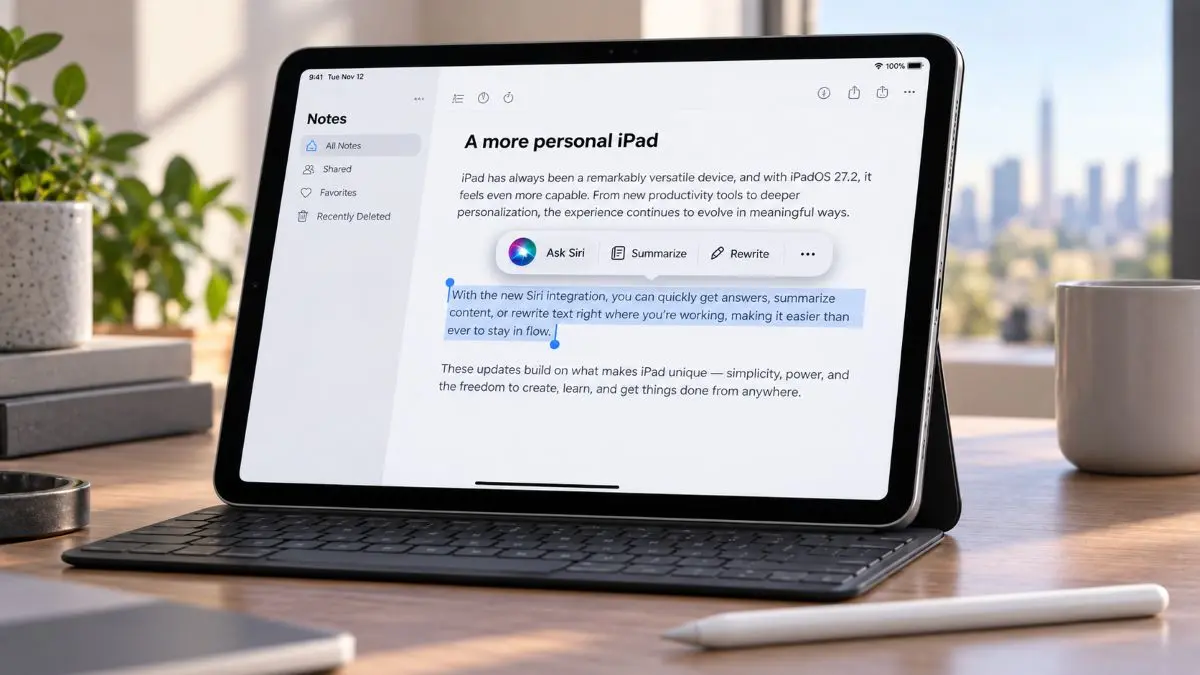
The behavior is almost identical to the Mac implementation. When a user selects text on an iPad with a trackpad connected, a small Siri icon appears at the upper-left corner of the selection. Hovering over the icon expands it into an “Ask Siri” text box, giving users immediate access to Siri without opening a separate app or navigating through the edit menu.
Faster Siri Access While Working With Text
The main benefit is speed.
On iPadOS 27, users already have several ways to invoke Siri. They can use a voice command, pull down from the top of the screen, open the Siri app, use Spotlight with Command-Space, or choose Siri from the text-editing menu.
The new popup removes another step. If a user is already reading or editing text, Siri becomes available directly beside the selection. That makes it easier to ask for help without breaking focus or switching interfaces.
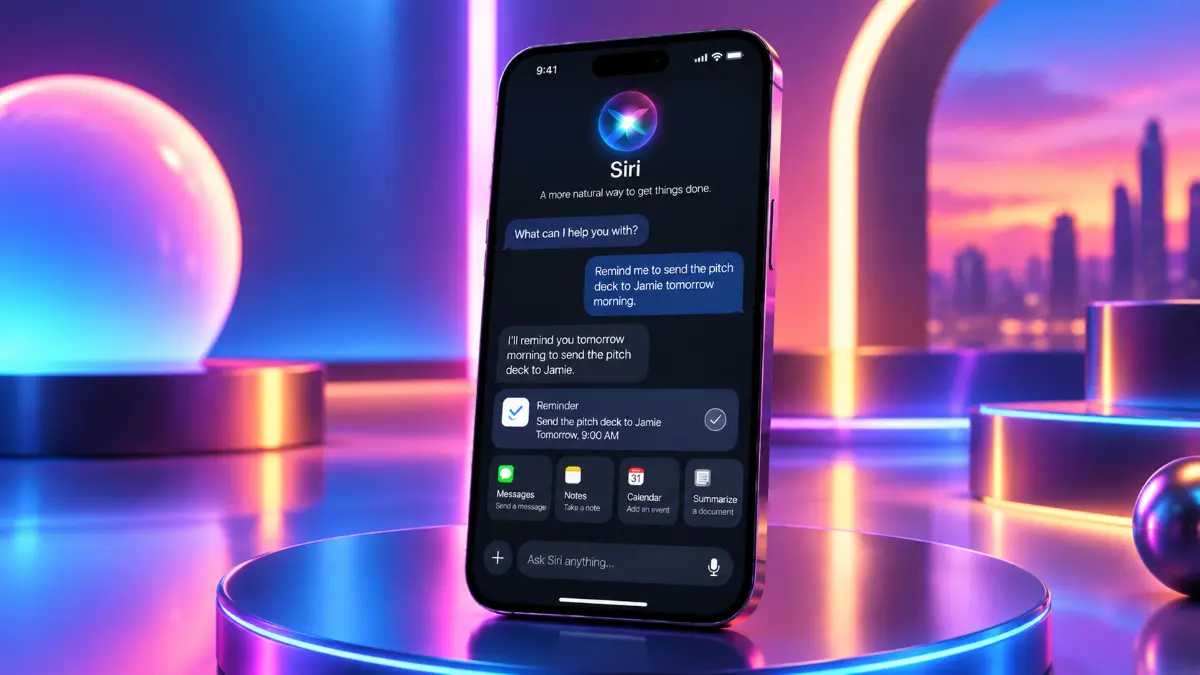
For example, someone reviewing a document could select a paragraph and ask Siri to summarize it, rewrite it, explain a difficult section, or extract key points. On macOS, Apple has also tested contextual actions such as proofreading, rewriting, creating calendar events, composing messages, opening locations in Maps, and tracking flights or packages based on selected text.
Trackpad Users Get the Best Experience
The new popup is specifically tied to pointer interaction.
With a Magic Keyboard or another trackpad attached, selecting text causes the Siri icon to appear automatically. Hovering over it opens the compact Ask Siri field, making the interaction feel much closer to macOS.
Without a trackpad, Siri is still available through the standard text-editing menu. Users can select text and tap the Siri option there, but the floating popup does not appear in the same way.
That distinction matters because Apple is increasingly treating keyboard-and-trackpad-equipped iPads as productivity machines rather than purely touch-first tablets.
More Than Definitions and Translations
The feature is more useful than a simple lookup shortcut.
Because Siri AI can work with selected content, the popup potentially supports tasks such as:
- summarizing selected text
- rewriting or proofreading passages
- explaining unfamiliar concepts
- extracting key points
- composing a reply based on selected text
- creating reminders or calendar events from dates and details
- opening locations mentioned in text
- asking follow-up questions about the selected content
On macOS, Apple’s contextual Siri interface already demonstrates many of these actions, which gives a good indication of where the iPad version is heading.
A Small Step Toward a More Mac-Like iPad
The feature is notable less because of its size and more because of where it comes from.
Apple introduced the same interaction in macOS 27 Golden Gate, where Siri appears directly beside selected text. Bringing that behavior to iPadOS 27.2 shows Apple continuing to borrow desktop-style productivity features for iPad rather than keeping the two platforms completely separate.
It also fits with Apple’s broader direction for iPadOS 27, which places more emphasis on multitasking, keyboard and trackpad workflows, and Siri AI as a contextual assistant.
iPadOS 27.2 Is Already a Broader Update
The Siri popup is not the only change in iPadOS 27.2 beta 1.
Apple has also brought in the redesigned Health app, while Siri AI support is expanding beyond English to French, Japanese, Korean, Portuguese, and Spanish.
That makes the text-selection popup one part of a larger update focused on making Siri AI more accessible and more deeply integrated into everyday workflows.
Why This Feature Matters
The Siri popup is a good example of the kind of feature that can have an outsized impact despite being visually minor.
Users who spend much of their time writing, researching, editing, or reviewing documents on an iPad can now access Siri exactly where the work is happening. There is less context switching, fewer taps, and a stronger connection between selected content and AI-assisted actions.
Apple is not turning iPadOS into macOS, but iPadOS 27.2 shows the company becoming more willing to bring successful Mac interaction patterns to the iPad when they make sense.
For users with a Magic Keyboard or trackpad, this may become one of those small additions that quickly feels like it should have been there all along.