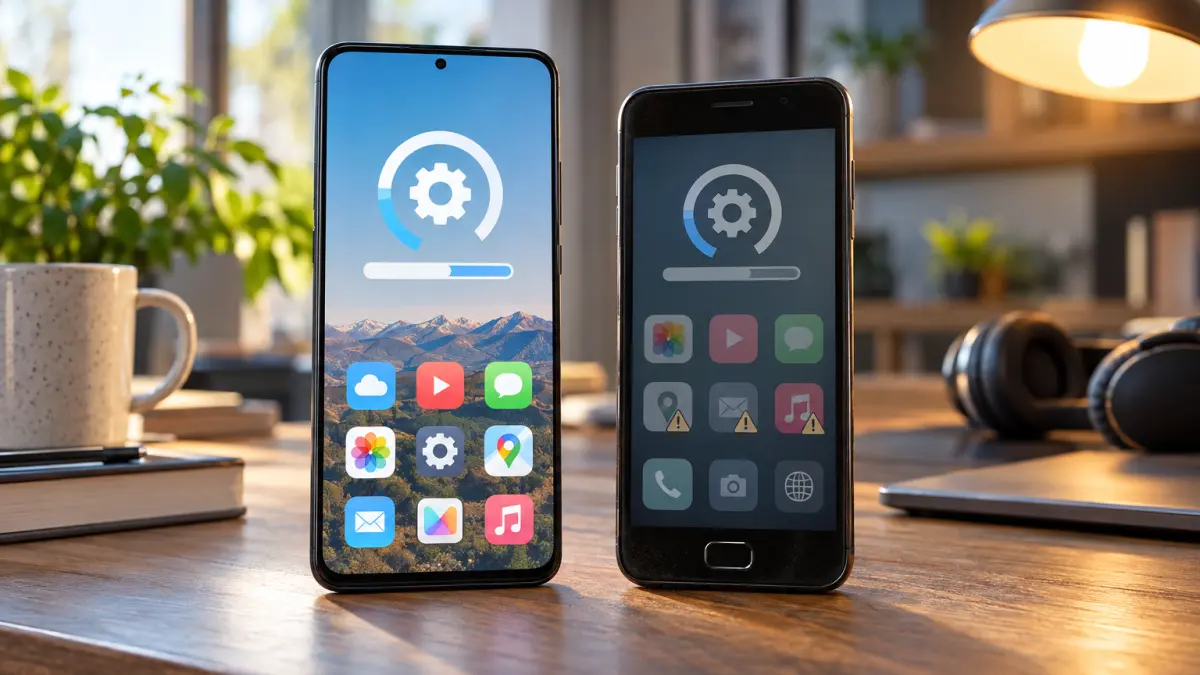

Software updates are a regular part of maintaining and improving apps and operating systems. But can these updates sometimes reduce app functionality, especially on devices with outdated or incompatible hardware? This question raises important considerations for users wondering whether installing the latest updates is always beneficial.
Claim: Some software updates can reduce app functionality if device hardware is incompatible or outdated.
Quick answer: The impact of software updates on app functionality varies depending on device hardware compatibility and update requirements.
How Hardware Compatibility Affects Software Updates
Not all devices have the same hardware capabilities. When developers release software updates, they often include new features or enhanced performance that require certain hardware specifications. For example, a new camera app feature might rely on advanced image processing hardware, or a security update might demand more memory and processing power.
If a device’s hardware cannot meet these requirements, the update might disable or limit some app features to maintain stability or prevent crashes. In some cases, the app may run slower or have reduced responsiveness. This tradeoff is often necessary to ensure the overall system remains functional on older devices.
When Updates Bring Improvements Despite Older Hardware
Conversely, many updates are designed to optimize performance and fix bugs without demanding more from the hardware. These updates can improve app functionality even on older devices by streamlining code or addressing compatibility issues. In such cases, users benefit from enhanced stability or security without losing features.
Manufacturers and developers sometimes provide separate update versions tailored to older hardware or exclude certain features from updates on legacy devices. This approach helps balance innovation with usability across a range of hardware.
Practical Takeaways for Users
Users should be aware that installing software updates on older devices can sometimes involve tradeoffs. Before updating, it’s useful to review the update details and user feedback to understand any potential limitations introduced. If an update significantly reduces app functionality, users may choose to delay or skip it, especially if the device is critical for daily tasks.
Ultimately, the impact of software updates on app functionality depends on the specific hardware, the nature of the update, and how developers tailor their software. Staying informed helps users make better decisions about when and how to update their devices.