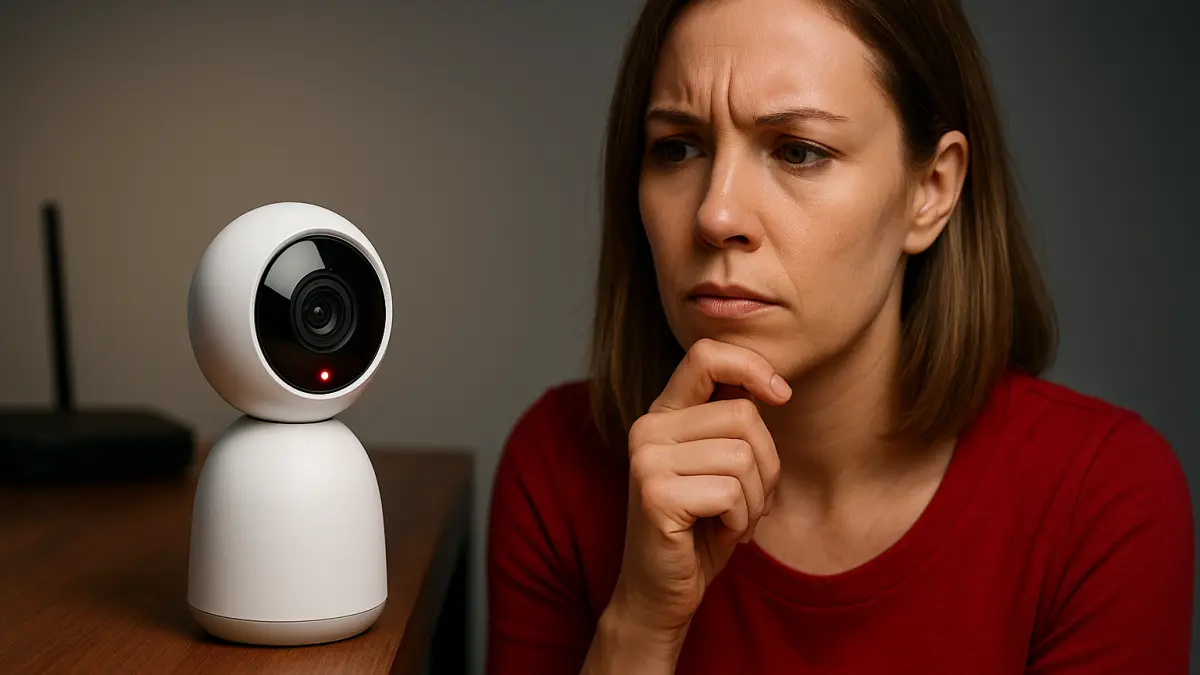

Smart home cameras are increasingly common in households, offering convenience and security. However, a widespread concern is whether these devices continuously record video by default, potentially capturing more footage than users realize and raising privacy alarms. Understanding how smart cameras handle recording can clarify these concerns and help users make informed decisions about their privacy.
Claim: Smart home cameras continuously record video by default, which can invade privacy if unnoticed.
Quick answer: Smart home cameras do not continuously record video by default; most use motion detection or manual activation to protect privacy.
How Do Smart Home Cameras Typically Record?
Most smart home cameras do not record video continuously by default. Instead, they generally operate based on motion detection or specific triggers. When motion or sound is detected, the camera activates and records video clips or streams live footage. This approach helps conserve storage space and reduces unnecessary recording, which can also protect user privacy.
Continuous recording is often an optional feature that users must enable explicitly, typically through subscription services or advanced settings. For example, some cameras offer cloud storage plans that allow 24/7 recording, but this is not the default state for the majority of consumer models.
Why This Matters for Privacy
Knowing that cameras do not continuously record by default can alleviate some privacy concerns. However, users should still review their device settings to understand what data is being captured and stored. Some cameras may keep short video clips triggered by motion, while others might record audio or send alerts to connected devices.
It is important to regularly check privacy policies and permissions, especially when cameras are linked to cloud accounts or third-party services. Users should also consider the physical placement of cameras to avoid capturing sensitive areas unintentionally.
Practical Tips for Managing Smart Camera Privacy
To balance security and privacy, users should:
- Review default recording settings during setup and adjust according to preference.
- Disable continuous recording unless necessary and supported by privacy safeguards.
- Use motion detection zones to limit recording to specific areas.
- Regularly update firmware to benefit from security improvements.
- Be mindful of where cameras are placed to prevent unintentional surveillance.
Understanding how smart home cameras manage recording helps users maintain control over their privacy while benefiting from enhanced security features.