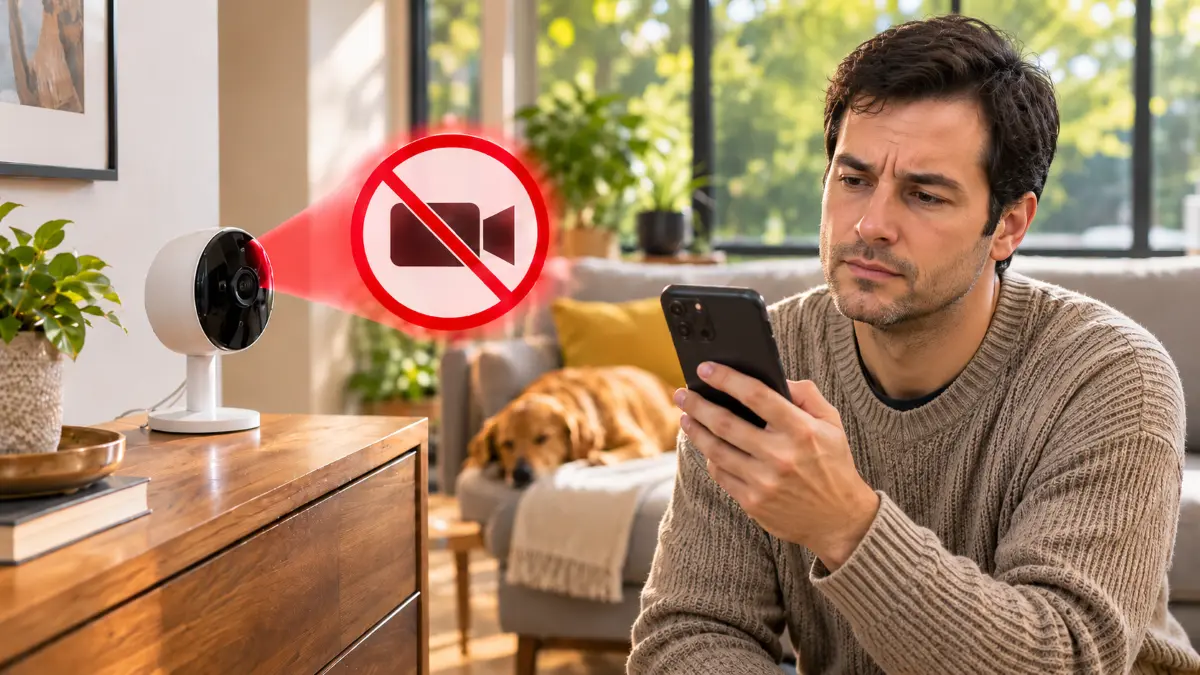

Smart home cameras offer convenient ways to monitor your property, but their privacy settings can sometimes be confusing. Many users assume that turning off live view also stops the camera from recording video. However, live viewing and recording are often separate functions, and disabling one does not necessarily disable the other.
Claim: Turning off live view on a smart home camera automatically stops all video recording.
Quick answer: Disabling live view does not necessarily stop a smart home camera from recording. Depending on the device and its settings, motion-triggered, scheduled, or continuous recording may continue independently of live viewing.
Live view allows users to watch footage from a smart home camera in real time. Closing or disabling a live viewing session does not automatically mean the camera has stopped capturing or saving video. Recording behavior depends on the manufacturer’s implementation, enabled recording modes, and privacy settings. To stop recording completely, users may need to disable recording separately or activate a dedicated privacy mode.
Understanding Live View Versus Recording
Smart home cameras commonly distinguish between live viewing and video recording. Live viewing allows users to watch footage in real time, while recording saves video locally or to cloud storage. A camera may continue capturing motion-triggered events, scheduled recordings, or continuous footage even when nobody is watching its live feed. However, the exact behavior depends on the camera model, subscription features, and configuration.
Whether recording continues depends largely on the device’s settings and the manufacturer’s software design. Many cameras will continue to record video clips triggered by motion or sound even if live view is off. In some cases, users can also manually disable recording or put the camera into a privacy mode, but this is separate from disabling live view.
Why This Matters for Privacy
This distinction is important because users may assume that turning off live view means the camera is inactive. In reality, the camera may still be capturing footage without streaming it live. For those concerned about inadvertent recording, it’s important to check the device’s full privacy and recording settings rather than relying solely on live view controls.
To protect your privacy, review your camera’s app settings to understand how recording is managed. Some devices offer a ‘privacy mode’ or physical shutter to block the lens, which can provide more assurance than just disabling live view.
Practical Takeaway
Closing or disabling a live viewing session on a smart home camera generally stops that live feed, but it does not necessarily stop the camera from recording. Depending on the device and its configuration, motion-triggered, scheduled, or continuous recording may continue in the background.
To better protect their privacy, users should review their camera’s recording settings and understand how live viewing, recording, and privacy controls operate independently. When available, enabling a dedicated privacy mode, disabling recording, or using a physical lens shutter can provide additional protection.
The key takeaway is simple: Turning off live view does not guarantee that your camera has stopped recording. Always verify the device’s actual recording status rather than assuming that closing the live feed disables all video capture.